
Track Website Performance and Understand Your Audience
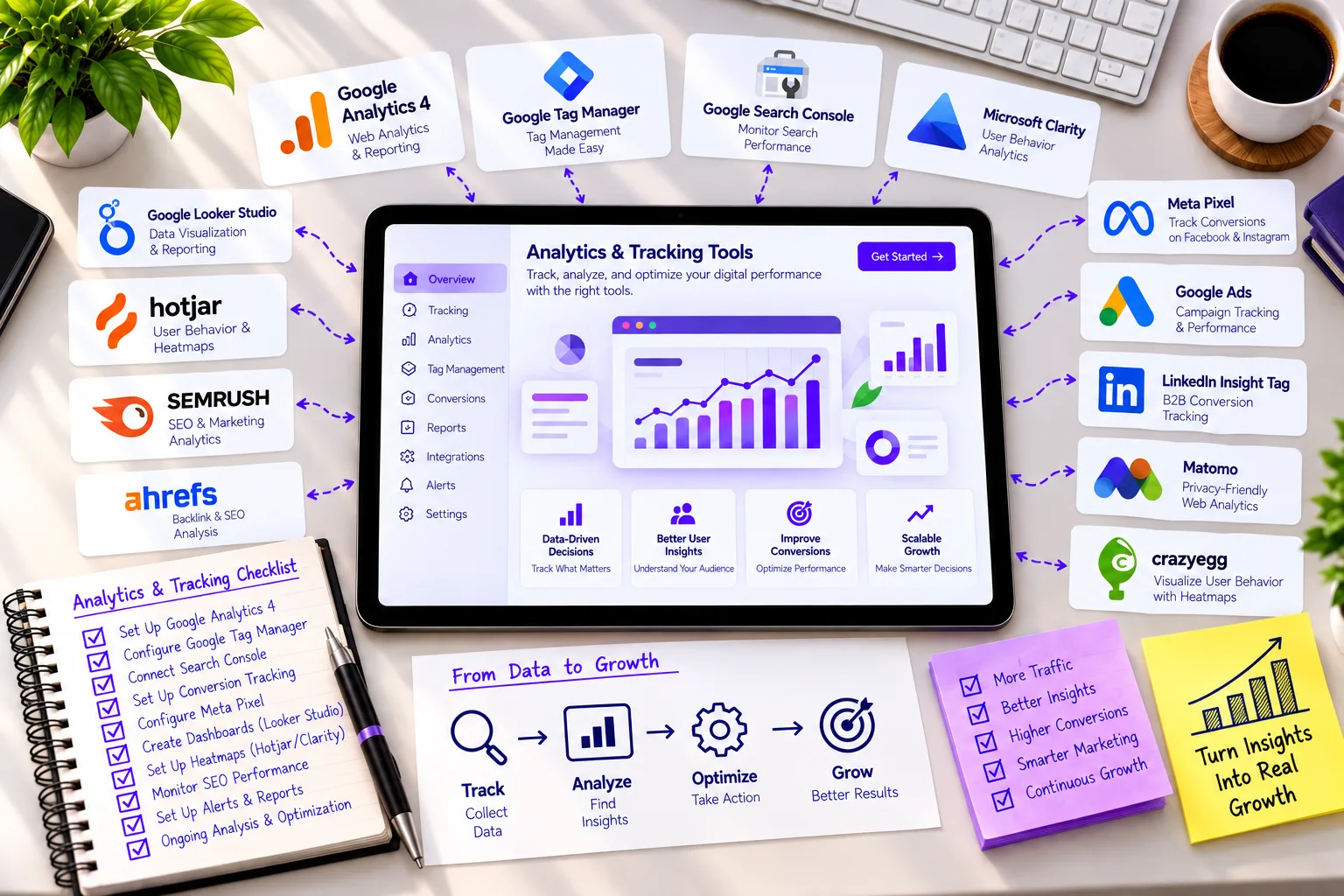
Analytics and tracking give you visibility into how real users interact with your website — what they click, where they drop off, and what actually drives conversions. Without proper tracking, decisions about design, marketing, and content are just guesswork. Our analytics implementation focuses on accurate data collection, clean reporting, and insights that actually inform business decisions.
- Accurate visitor and behavior tracking
- Clear visibility into user drop-off points
- Data-driven decision making
- Scalable tracking setup for growing businesses
Key Highlights of Our Analytics Solutions
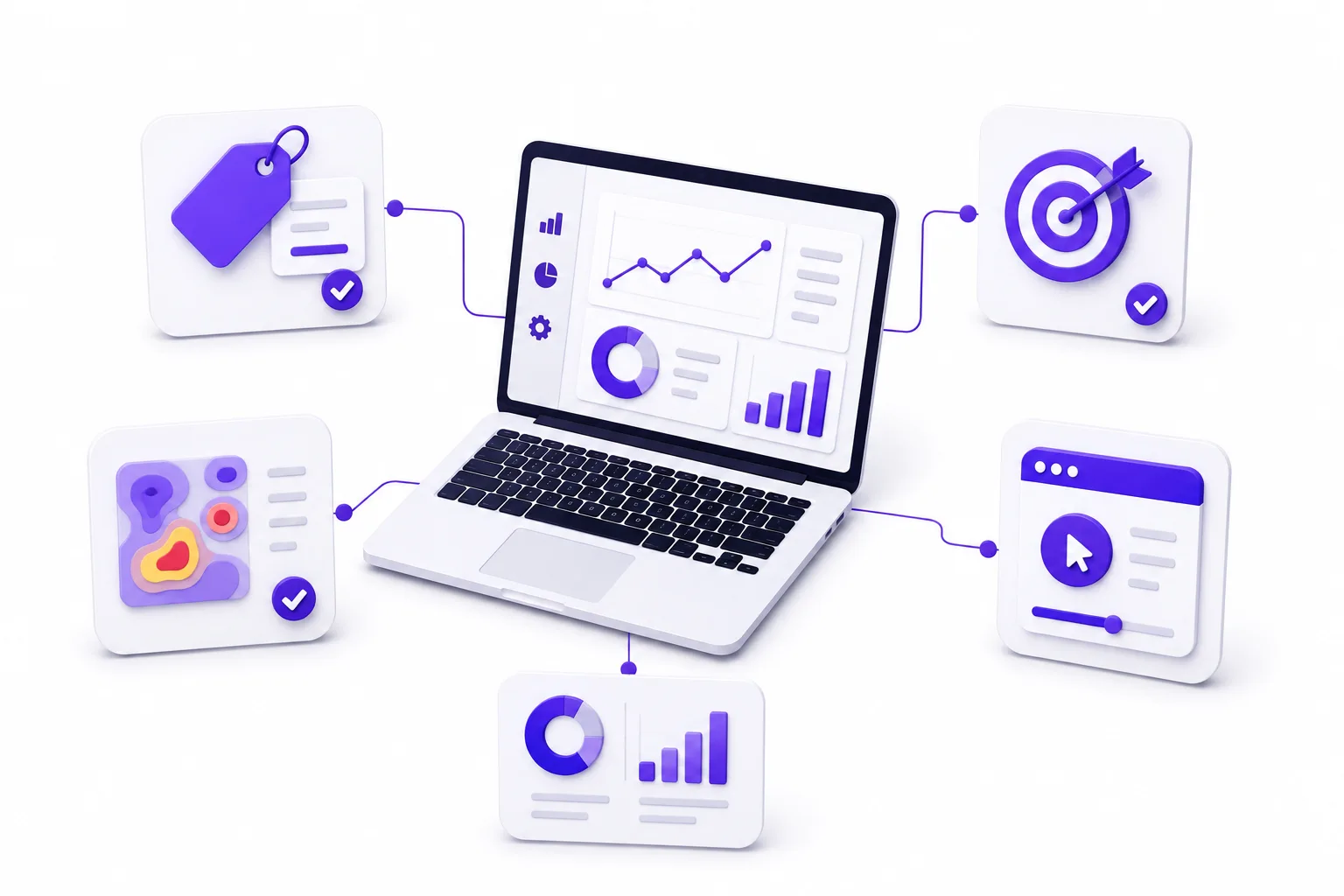
Our analytics approach focuses on correct implementation, clean data, and reporting that’s actually usable — not just numbers on a dashboard.
- Proper event and conversion tracking setup
- Privacy-compliant data collection
- Custom dashboards and reporting
- Scalable tracking architecture for growing traffic
Solutions We Provide
We set up and manage analytics systems designed to give you accurate, actionable data.
Analytics Setup & Configuration
We implement analytics platforms correctly from the start proper goal tracking, event setup, and data filtering so your numbers are trustworthy.
Conversion & Event Tracking
We track specific user actions form submissions, button clicks, purchases, sign-ups so you know exactly what's driving results.
Heatmap & Session Recording Setup
We implement tools that show how users actually move through and interact with your pages, not just where they came from.
Tag Management Implementation
We set up centralized tag management so you can add or update tracking without touching site code every time.
Custom Dashboard & Reporting
We build reporting views tailored to what your business actually needs to monitor not generic default reports.
Maintenance & Support
We provide ongoing monitoring to make sure tracking stays accurate as your site changes, plus support for evolving reporting needs.
Google Analytics (GA4)
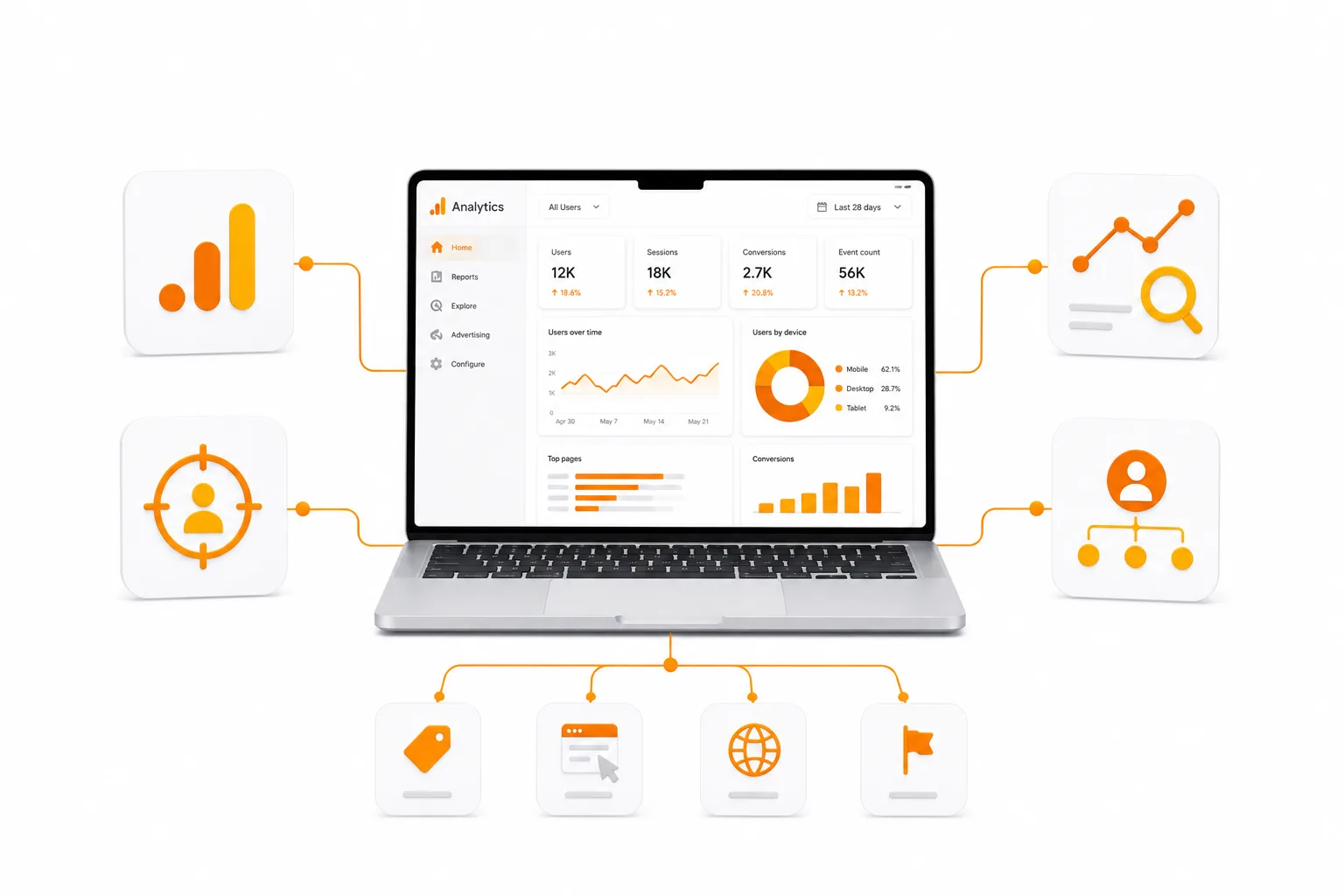
The foundation of most tracking setups. It tells you who’s visiting, where they came from, what pages they view, and whether they convert. Every website — from a small business site to a large e-commerce platform — needs this as a baseline. Free to use, with a paid enterprise tier (GA360) for very high-traffic sites needing higher data limits and advanced support.
Microsoft Clarity
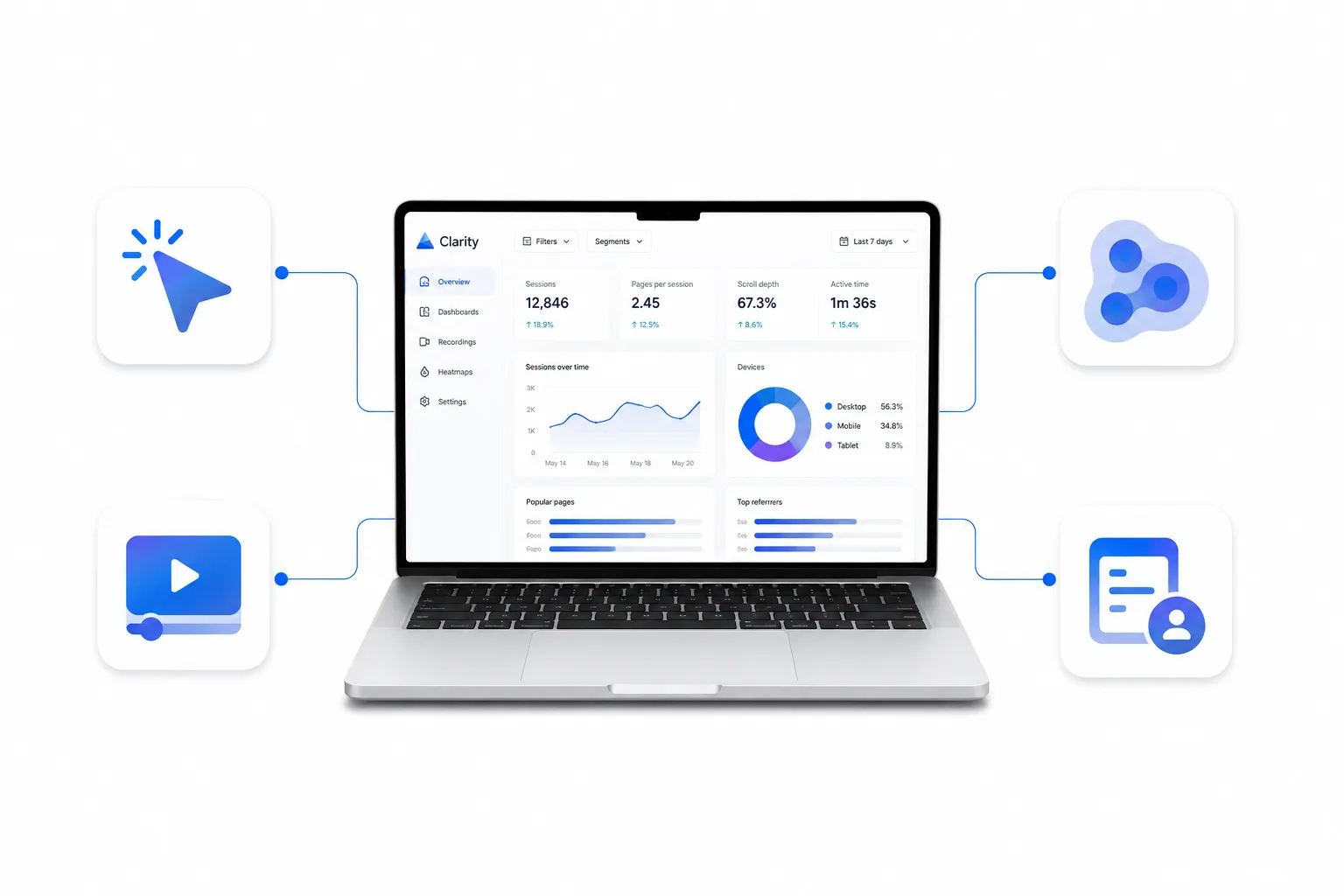
Shows heatmaps and session recordings — literally watch how visitors scroll, click, and where they get stuck or rage-click. GA4 tells you what happened; Clarity helps you understand why. It’s free, which makes it a strong addition even for small business sites where budget for paid tools like Hotjar isn’t justified yet.
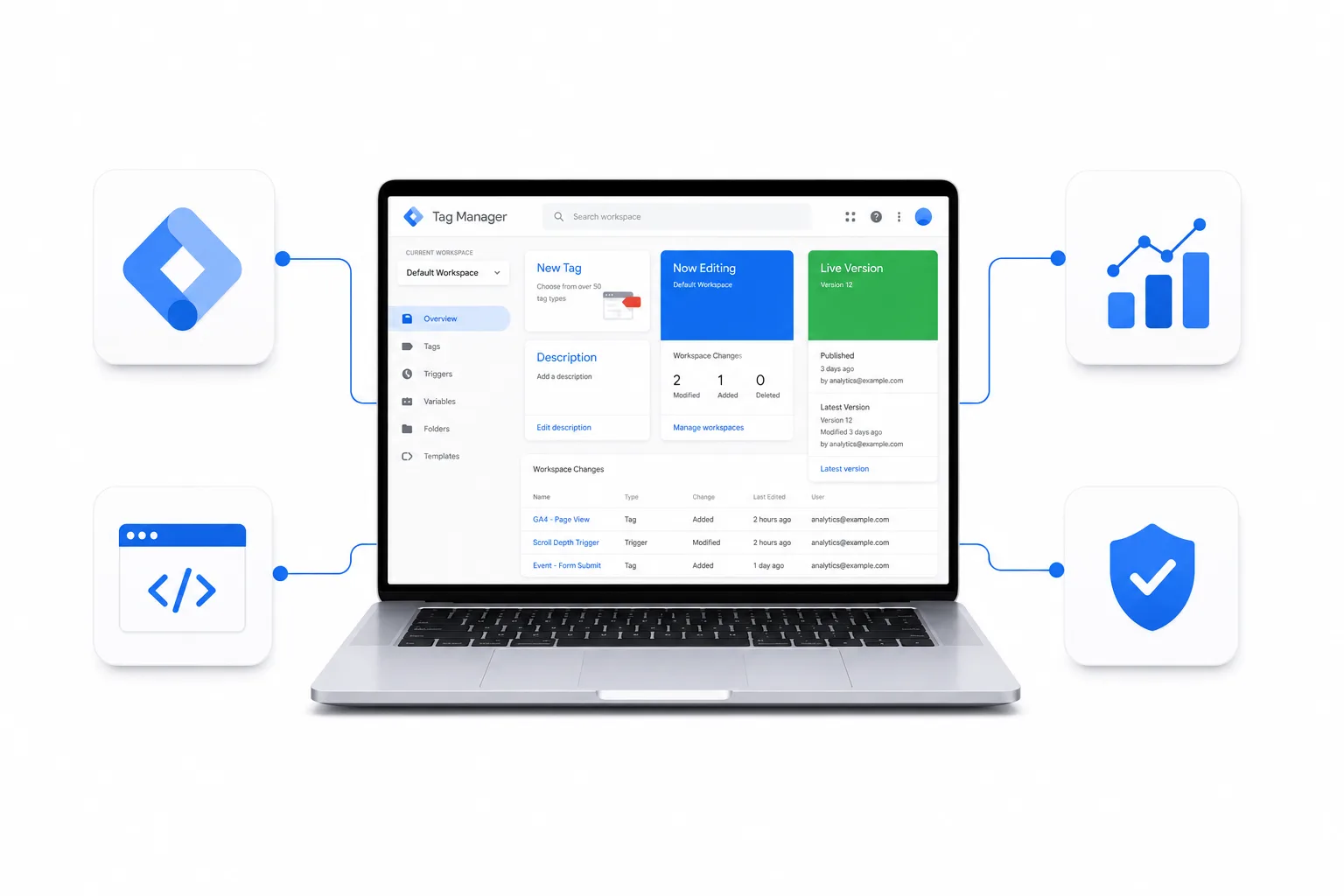
Google Tag Manager (GTM)
A container that manages all your tracking tags (GA4, ad pixels, conversion tracking, etc.) from one place, without needing a developer to edit code every time you add a new tracking script. Becomes essential once a site has more than 2-3 tracking tools running, since managing them individually in code gets messy and error-prone fast.
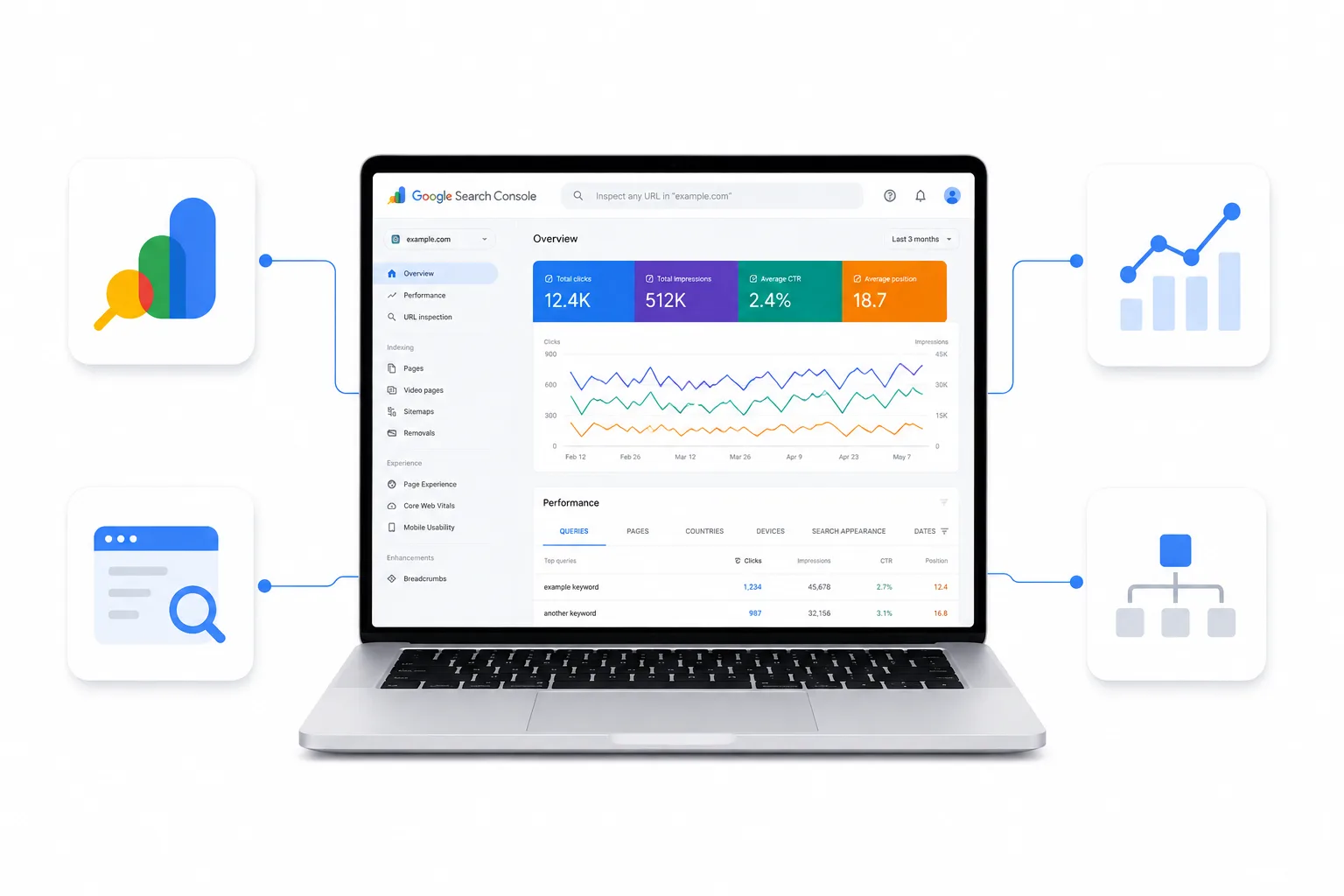
Google Search Console
Shows how your site performs in Google search specifically — impressions, clicks, indexing issues, search queries. Sits closer to SEO, but we connect it here too since it feeds useful data into your overall reporting picture.
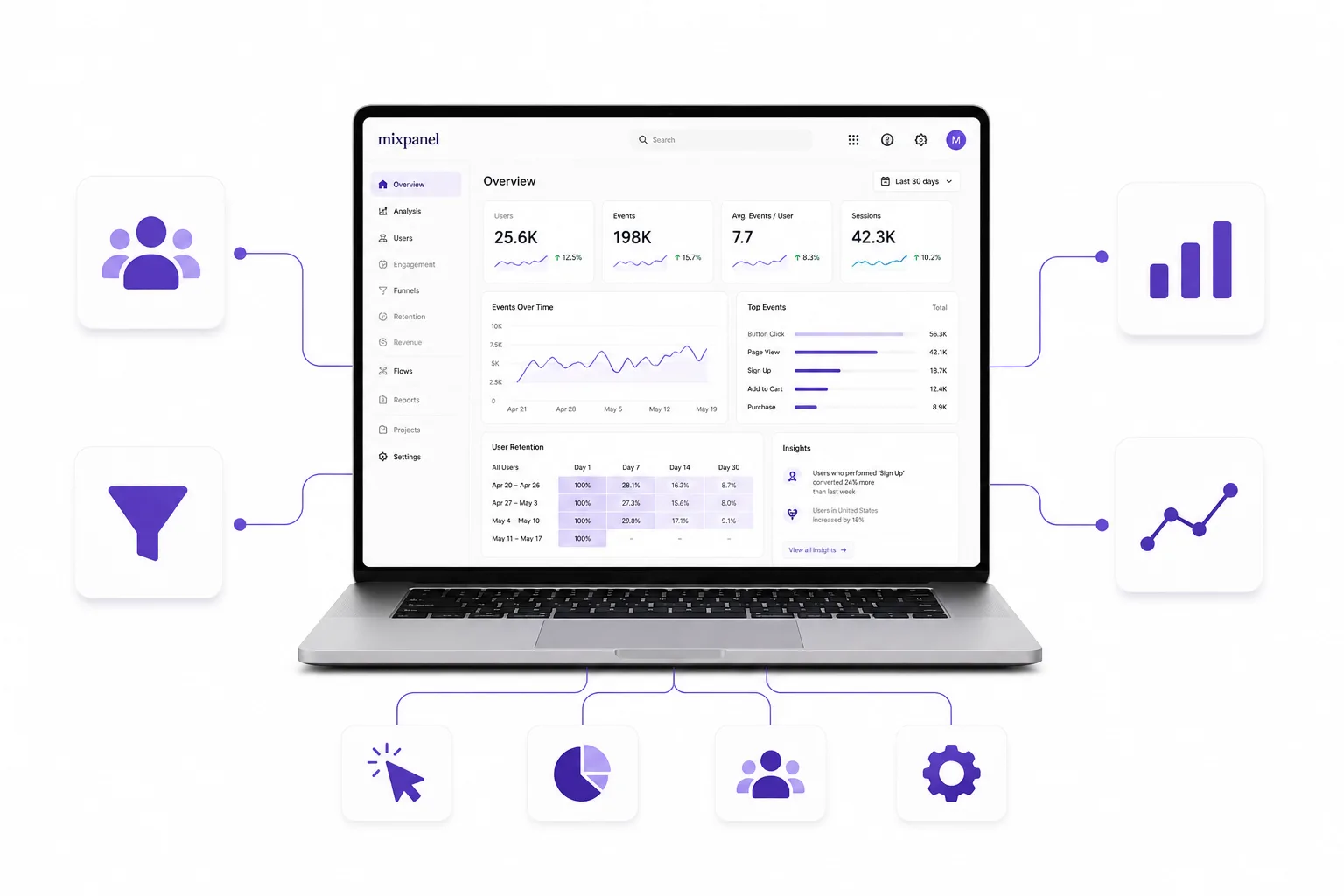
Mixpanel
Built for tracking detailed user journeys inside products and apps — not just websites. Relevant for SaaS platforms, custom web applications, or businesses that need to track multi-step user flows in much finer detail than GA4 offers. Overkill for a standard business website, but valuable for custom platforms with complex user behavior.
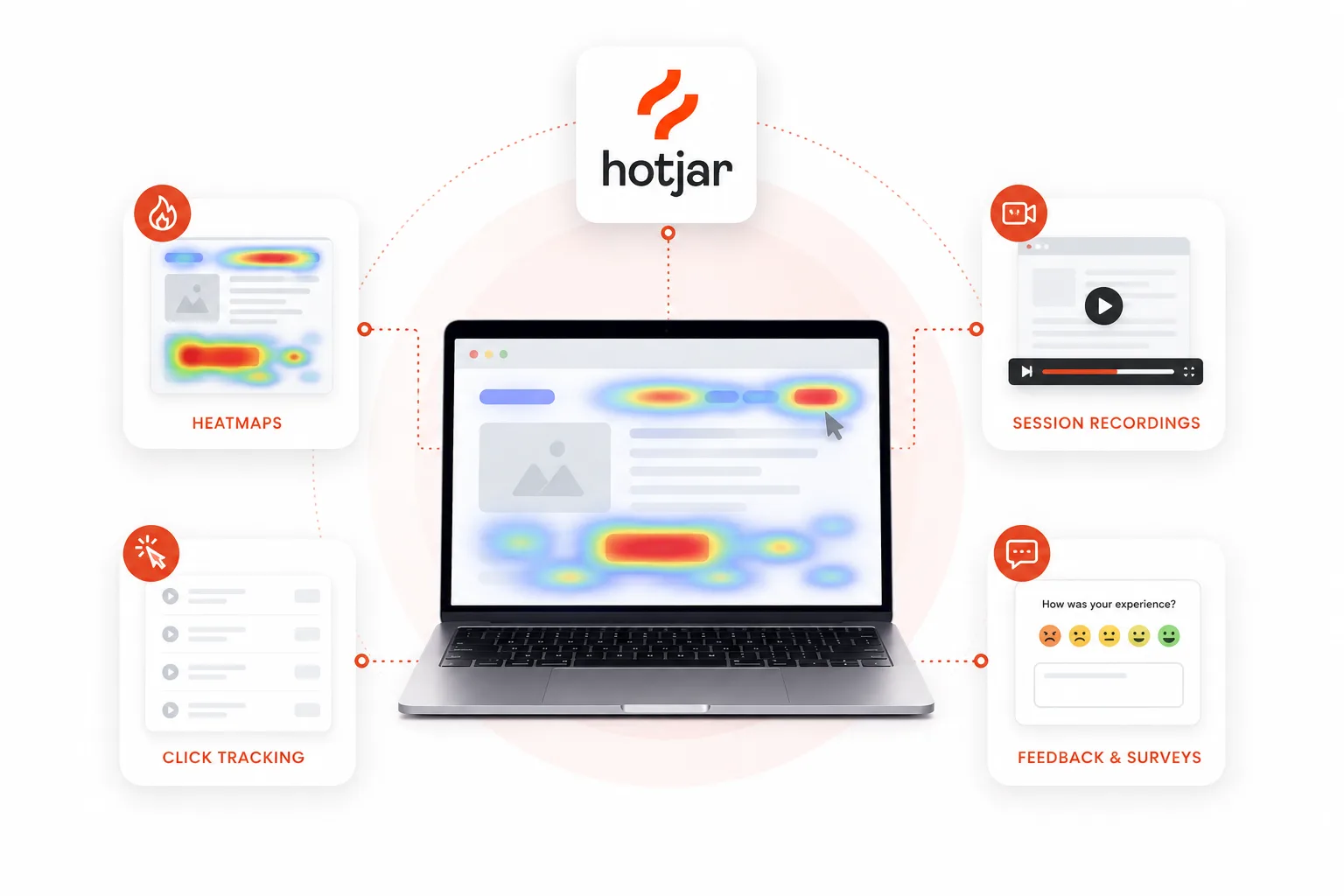
Hotjar
Built for understanding how users interact with your website through heatmaps, session recordings, and on-page behavior. Ideal for businesses that want to identify usability issues, improve conversions, and optimize user experience. More valuable than traditional analytics for understanding why users behave the way they do, but often unnecessary for simple websites with basic tracking needs.
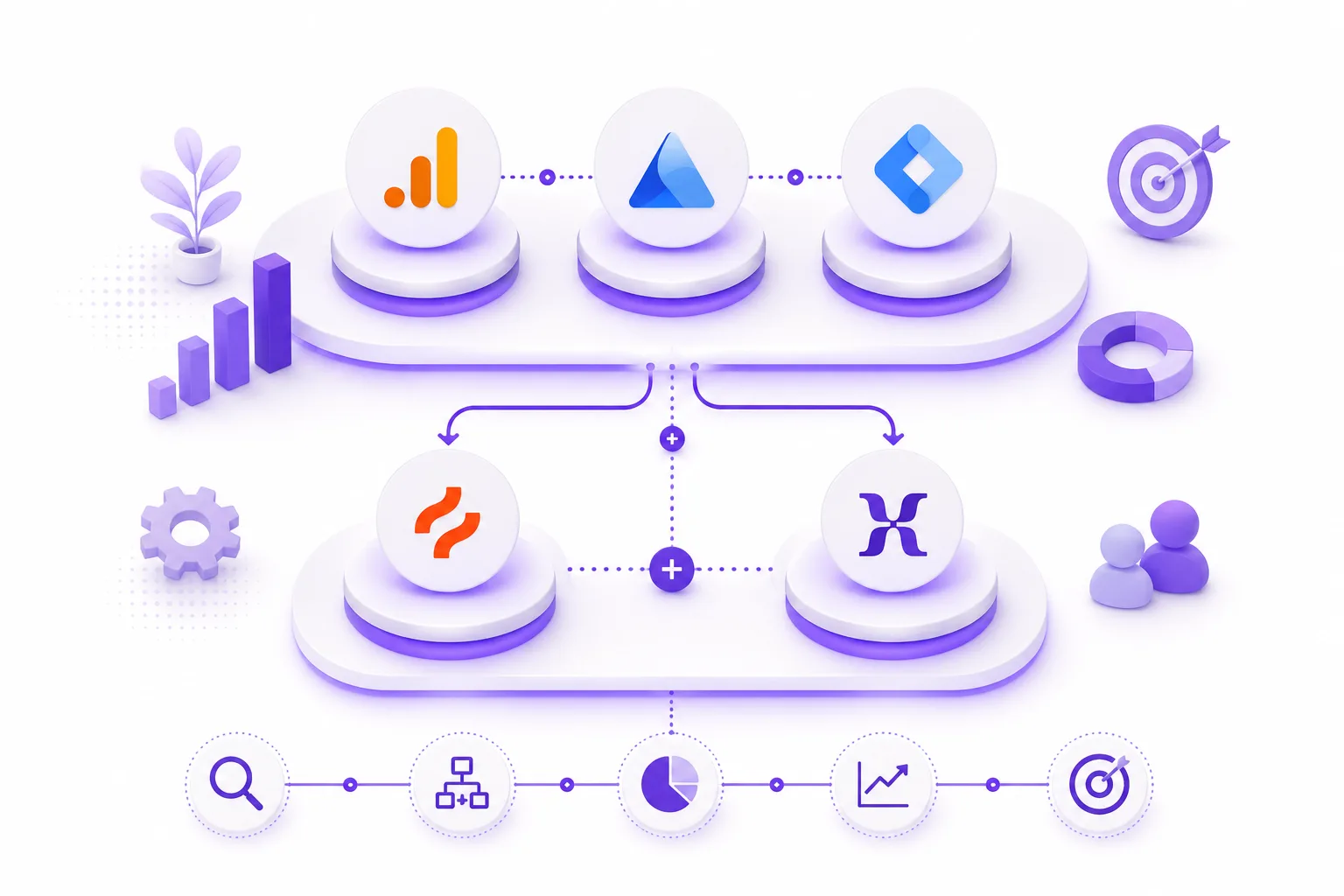
How we choose
Why Businesses Choose Us
Built for accurate data and reporting that actually drives decisions.
Correct Implementation From Day One
Tracking setup mistakes are common and hard to catch later — we set it up right the first time so your data is trustworthy.
Privacy-Compliant Tracking
We implement tracking in line with privacy regulations like GDPR, including consent management where required.
Scalable Tracking Architecture
Your tracking setup grows with your site — from a simple business page to a complex platform with multiple tools.
Clear, Actionable Reporting
We build dashboards focused on the metrics that actually matter to your business, not generic vanity numbers.
Cross-Tool Integration
We connect your analytics tools together so data tells one consistent story instead of living in separate silos.
Transparent Communication
Clear planning, regular updates, and professional support throughout the project lifecycle.
Tools & Technologies
Industries We Serve
We work with businesses across multiple industries, delivering solutions tailored to specific operational needs.
How We Work
A structured approach to accurate, reliable tracking implementation.
Project Consultation
Understanding what you need to measure and why.
- Business goal identification
- Current tracking audit
- Reporting requirements
Strategic Planning
Mapping out what to track and which tools fit.
- Tool selection
- Event & conversion mapping
- Data structure planning
Tag Management Setup
Implementing centralized tracking infrastructure.
- GTM container setup
- Tag configuration
- Trigger and variable setup
Implementation & Integration
Installing and configuring tracking tools.
- Analytics implementation
- Event tracking setup
- Cross-tool integration
Testing & Validation
Ensuring data accuracy before going live
- Event testing
- Data validation
- Privacy/consent compliance check
Reporting & Support
Delivering usable insights and ongoing monitoring.
- Dashboard setup
- Knowledge transfer
- Ongoing tracking maintenance
Frequently Asked Questions
What's the difference between Google Analytics and Microsoft Clarity?
Google Analytics tells you the numbers — how many visitors, which pages, conversion rates. Clarity shows you the behavior behind those numbers through heatmaps and session recordings. They’re complementary, not competing tools — most sites benefit from having both.
Do I need Google Tag Manager if I already have Google Analytics?
Not strictly, but it makes managing multiple tracking tools far easier over time. If you’re only ever going to run GA4 and nothing else, you can skip it. Once you add ad tracking, conversion pixels, or other tools, GTM saves significant time and reduces errors.
Is analytics setup different for a small business site vs a large platform?
Yes, significantly. A small business site typically needs GA4, basic conversion tracking, and maybe Clarity — that’s often enough. A large platform or custom web application usually needs more granular event tracking, custom dashboards, and sometimes product analytics tools like Mixpanel to track complex user journeys.
Is this the same as SEO?
No. SEO focuses on how your site ranks and appears in search results. Analytics and tracking focus on what happens after visitors arrive — their behavior, conversions, and engagement. Search Console straddles both, which is why we connect it into reporting even though ranking work itself is a separate service.
Will tracking slow down my website?
Poorly implemented tracking can, yes. We implement tags efficiently — using tag management rather than loading multiple scripts directly — to keep tracking overhead minimal.
Do you help with cookie consent and privacy compliance?
Yes, we set up consent management alongside tracking implementation to keep data collection compliant with regulations like GDPR.
Can you set this up on an existing website that has no tracking at all?
Yes — this is a common starting point. We audit what’s currently in place (often nothing, or a broken/incomplete setup) and implement a clean tracking foundation from there.
Will I be able to understand the reports myself?
Yes. We build dashboards focused on clarity, not raw data dumps, and provide a walkthrough so you know exactly what you’re looking at and how to use it.