Today, thousands of new websites go live every day. Some look professional, some look unsafe, and visitors can tell the difference in seconds.
Here is the painful part. You may be a genuine business with a great service and honest intentions, but if your website shows something different, visitors will leave before they ever find out how good you are. Your website is your first impression, and for many prospects it is the only one.
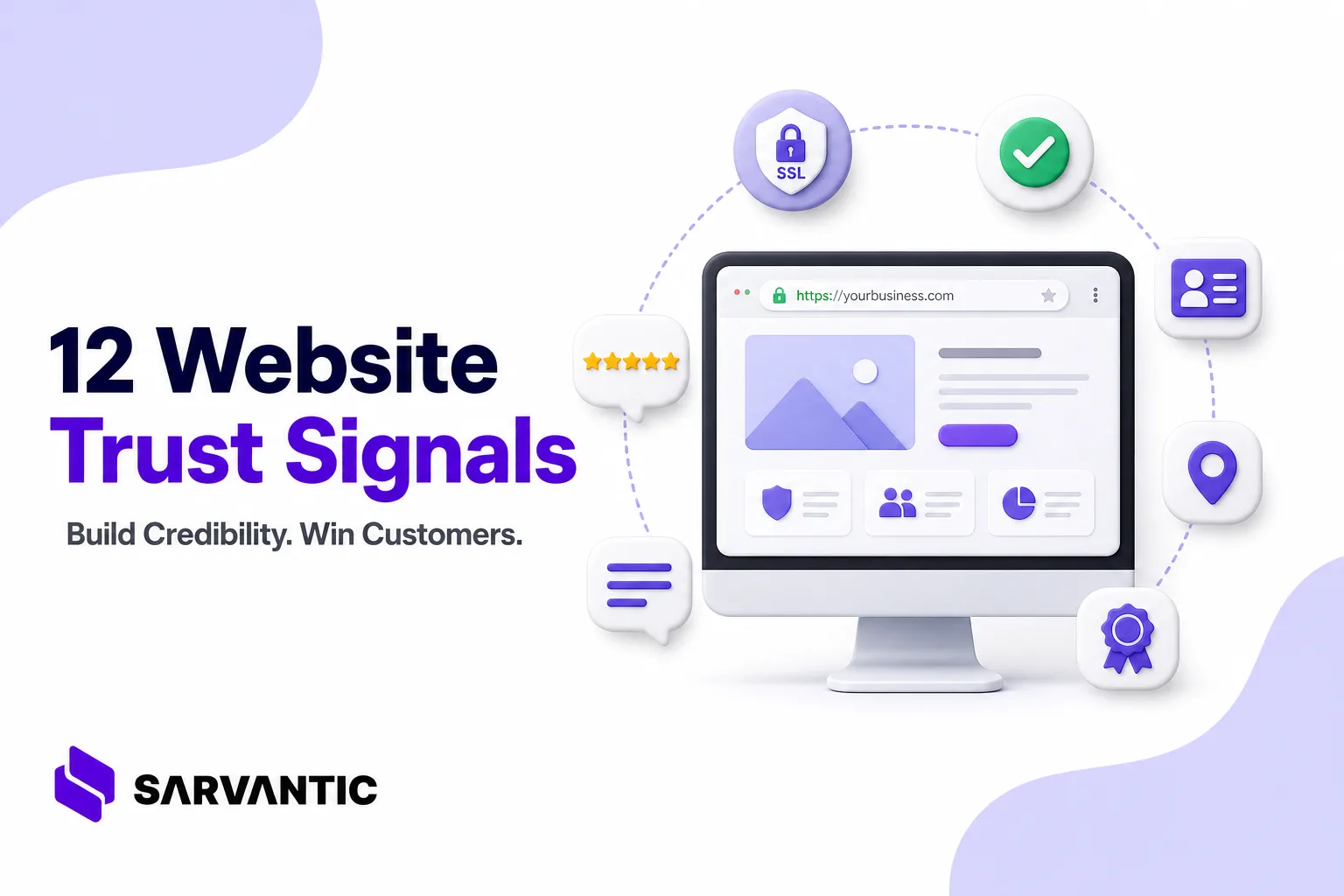
Trust is not one big thing. It is a set of small, visible signals that tell a visitor: “These people are real, safe, and reliable.” Below are 12 signals you can check against your own website today.
The 12 Trust Signals
1. A Secure Website (SSL / HTTPS)
This is the foundation. If your site shows “Not Secure” in the browser, many visitors leave immediately. Some browsers and networks even block unsecured sites completely, which means your site becomes inaccessible to part of your audience. Google also gives priority to secure sites in search results.
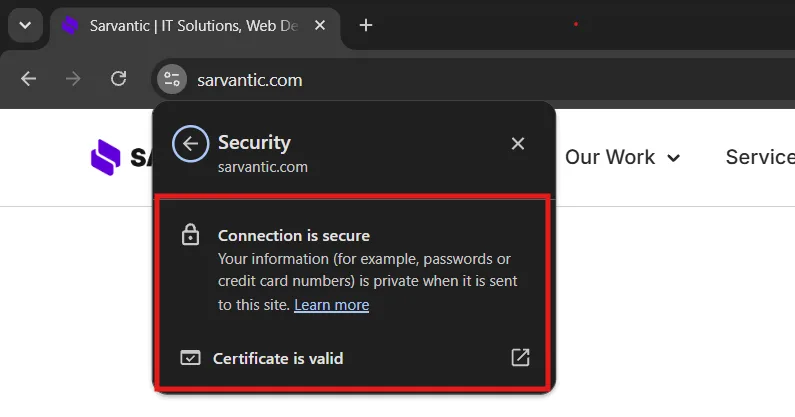
Check: Does your URL start with https:// and show a padlock? Is the certificate set to auto-renew?
For a more comprehensive approach to protecting your website, follow our WordPress Security Checklist to identify and fix common security vulnerabilities.
2. A Clear, Complete Contact Page
A weak contact page is one of the biggest trust killers. Include:
- A real phone number
- A professional business email (
[email protected], not Gmail or Yahoo) - A contact form that actually works
- Business hours and expected response time
3. Real Physical Location
If you have an office, shop, restaurant, or studio, show it. Add the full address, an embedded Google Map, and real photos of the place. Visitors feel more confident when they know there is an actual location behind the website. Even for online or remote businesses, a registered business address helps.
4. A Real About Us Page With Your Team
People trust people, not logos. Show real faces, names, roles, and a short story about why the business exists. A proper team introduction makes you feel accountable and human. Anonymous companies look risky.
5. Named Client Testimonials (Video if Possible)
Anonymous quotes like “Great service! – A customer” convince nobody. Use the client’s full name, company, photo, and a link to the project where possible. Video testimonials are even more powerful because they are very hard to fake.
6. Professional UI/UX and Modern Design
Visitors judge your credibility by how your site looks. An older company with an outdated or cheap-looking template can lose trust even if its work is excellent. Clean layout, consistent fonts and colors, good spacing, fast loading, and easy navigation signal that you care about quality.
7. Fully Responsive on Every Device
Most visitors will open your site on a phone. Broken layouts, overlapping text, or buttons that can’t be tapped make a business look careless. Test on mobile, tablet, and desktop before and after every update.
If your website doesn’t display correctly on smartphones, explore our guide on Why Your Website Looks Broken on Mobile to understand common causes and how to fix them.
8. Avoid the “Generic AI Website” Look
Building a site with AI tools is perfectly fine, and many good businesses do it. The problem is the generic output: stock-looking layouts, vague copy, random sections, and small things left broken or unresponsive. Visitors recognize this pattern quickly.
Fix it by: adding your real photos, your real story, specific copy about your actual services, your brand colors, and testing every page by hand before launch. Use AI as a starting point, not the finished product.
For More Information About : Why AI-Built Websites Look Generic (And How to Make Yours Look Genuine)
9. Visible Social Media Profiles
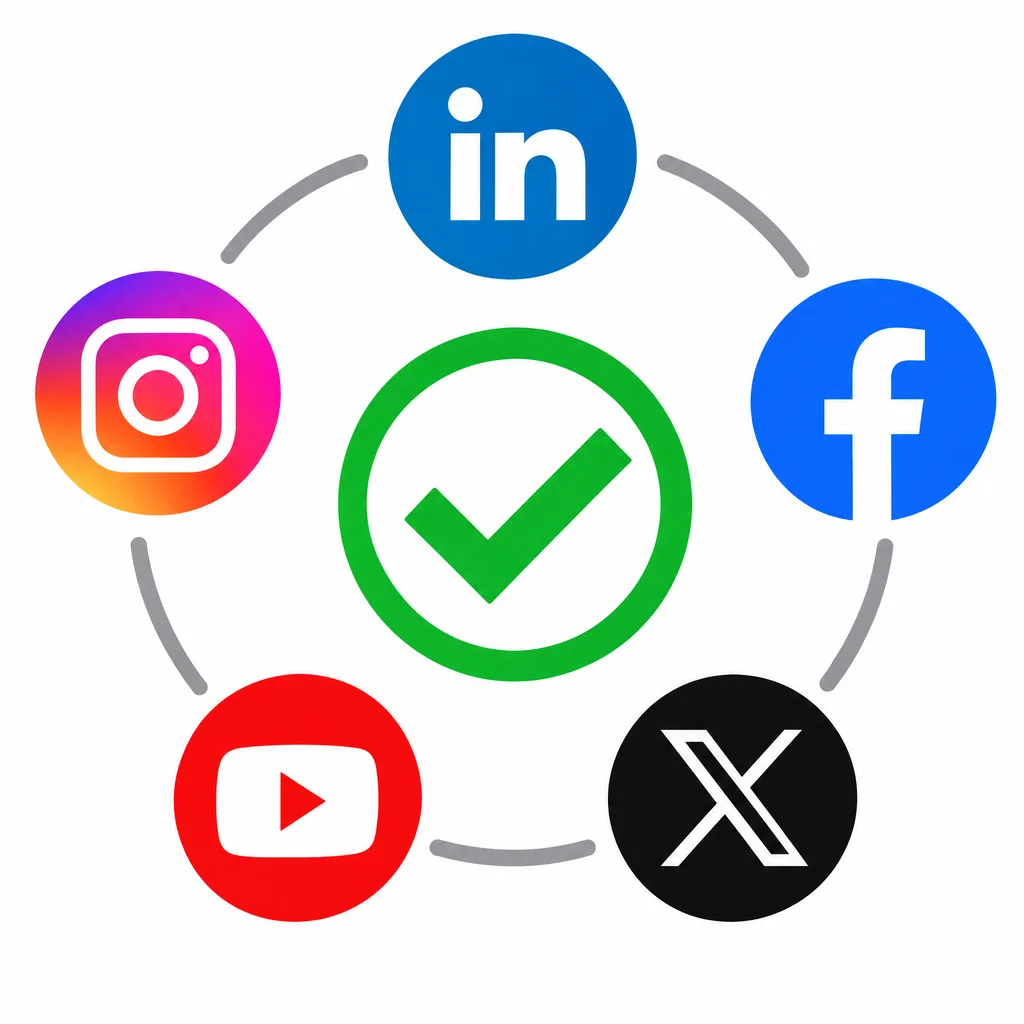
Link your active social profiles (LinkedIn, Instagram, Facebook, YouTube, X) in the header or footer. Visitors often check them to see whether you are real and active. Make sure the profiles are consistent with your website and updated recently. An empty or abandoned profile can hurt more than none.
10. Privacy, Security & Compliance Pages
Show a Privacy Policy, Terms of Service, and Cookie Policy, plus compliance information such as GDPR or India’s DPDP Act where relevant. For enterprise prospects, this is often a checklist item before they even contact you.
11. Transparent Process, Pricing Approach & SLAs
Uncertainty creates hesitation. Show buyers what happens in Week 1, Week 2, and after launch. Mention support timelines, revision policies, and guarantees. When people know what to expect, they are more willing to start.
12. Proof: Case Studies, Client Logos & Live Numbers
Back your claims with evidence: case studies with results, recognizable client logos (with permission), certifications, awards, and counters such as “120+ projects delivered.” Make sure numbers are true and updated, since false claims destroy trust fast.
Common Mistakes to Avoid
- Using stock photos of “team members” instead of the real team
- Fake or inflated numbers and testimonials
- Placeholder text, demo content, or “Lorem ipsum” left on live pages
- Dead links, broken forms, or an outdated copyright year in the footer
- Accidentally blocking search engines with a noindex setting after launch
FAQs
What is the single most important trust signal?
A secure site (HTTPS) is the minimum. After that, real contact details and named testimonials usually have the biggest impact.
Do small businesses really need compliance pages?
Yes. If you collect any data through forms, analytics, or cookies, a privacy policy is expected by visitors, search platforms, and enterprise clients.
Can I use AI to build my website?
Yes, but review and customize everything. Add real content, real images, and test responsiveness so it doesn’t look generic.
How long does it take to improve website trust?
Many fixes (SSL, contact page, social links, policy pages) can be done in a day or two. Case studies and testimonials build over time.
Conclusion
Trust is the quiet deciding factor behind most business inquiries. A visitor rarely says, “I don’t trust this site.” They simply leave. The good news is that every signal above is fixable, and most are not expensive. Start with the checklist, fix the gaps, and your website will finally reflect the quality of the business behind it.
Want your website to look as credible as your work?
Build instant institutional credibility with Sarvantic.